
LocalSend Alternative
LocalSend Alternative: More Than Just File Transfer
LocalSend is great for sending files locally. But if you also want to manage your phone's files, SMS, contacts, and screen from a browser — PlainApp does all of that, and it's equally private.
Free · Open Source (AGPL 3.0) · Android 9.0+
Download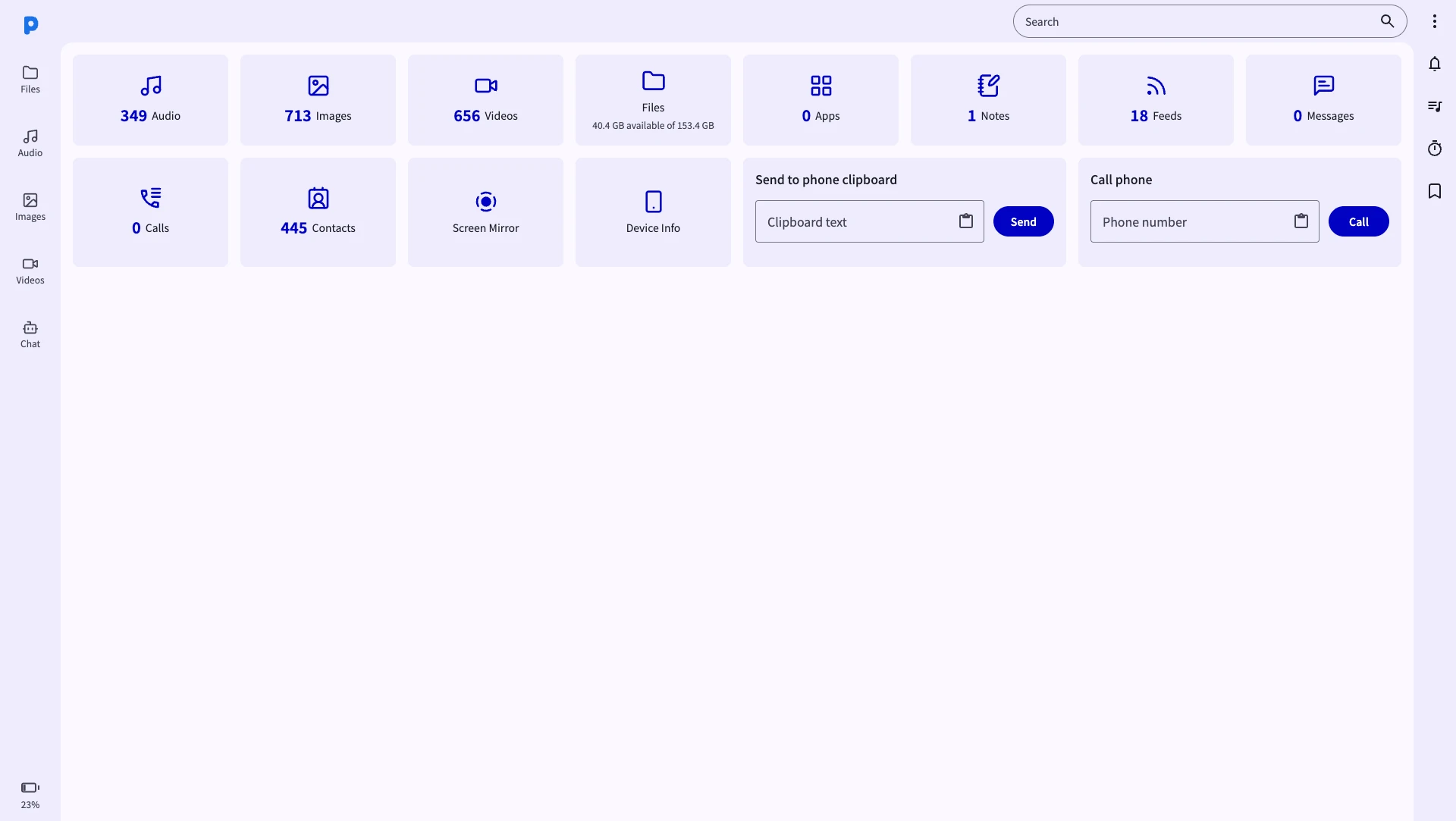
LocalSend vs PlainApp — what's the difference?
- Cross-platform (Android, iOS, Windows, Mac, Linux)
- Peer-to-peer, no relay server
- Encrypted transfers
- Requires app on both devices
- File transfer only
- No phone management features
- No browser access
- Works from any browser — no install on PC/Mac
- Peer-to-peer, no relay server
- TLS + E2E encrypted P2P chat
- Full file manager (browse, upload, download)
- SMS & call logs from desktop
- Screen mirroring via WebRTC
- Contacts, RSS, notes, photos, and more
Feature comparison
| Feature | PlainApp | LocalSend |
|---|---|---|
| Android app | ||
| Works from browser (no install on PC) | ||
| Local network only (no relay) | ||
| Encrypted transfers | ||
| Full file manager | ||
| Send/receive files in browser | App only | |
| SMS & call logs from desktop | ||
| Screen mirroring | ||
| Contacts viewer | ||
| Photos & media player | ||
| RSS reader | ||
| Markdown notes | ||
| Open source | ||
| Free | ||
| iOS support |
Security comparison: how each app protects your files
Both apps stay on your local network — but they protect the data in transit differently.
Two layers of encryption
LocalSend secures transfers with HTTPS using a self-signed certificate, and encryption can be disabled in its settings. PlainApp keeps TLS on and additionally encrypts every request with XChaCha20-Poly1305.
Signed requests
Every PlainApp API call is signed with Ed25519, so another device on your Wi-Fi cannot impersonate your phone or tamper with a transfer.
Key exchange at pairing
Encryption keys are established through ECDH when you pair devices with a QR code — keys never travel over the network in plain text.
Open source and verifiable
Like LocalSend, PlainApp is fully open source. Every security claim here can be verified in the code on GitHub — no trust required.
Why choose PlainApp over LocalSend?
If you need a full Android phone management experience — not just file transfer — PlainApp is the better choice.
No install on PC or Mac
LocalSend requires an app on every device. PlainApp only needs the Android app — your PC browser is the client. Nothing to install on Windows, Mac, or Linux.
Reply to SMS from your desktop
Read and respond to text messages from your browser. No more picking up your phone for every message.
Live screen mirroring
Stream your phone screen to any browser in real time via WebRTC. LocalSend has no screen mirroring feature.
Full file manager experience
Navigate your phone's entire storage tree, create folders, move files, preview media — not just send and receive.
Contacts, notes, and more
View and search contacts, write Markdown notes, watch your notification feed — PlainApp is a full phone portal.
Same privacy philosophy
Like LocalSend, PlainApp never uses cloud servers. All data stays on your local network. Open source under AGPL 3.0.
When should you use each?
Use LocalSend if…
You want to quickly share files between an iPhone and Android, or between two PCs and you only need file transfer functionality.
Use PlainApp if…
You want to manage your Android phone from a browser — transfer files, reply to SMS, view contacts, mirror your screen, browse media, and read RSS — all without installing anything on the PC.
Frequently Asked Questions
What is a good alternative to LocalSend?
PlainApp is a strong LocalSend alternative that includes local file transfer plus a full Android phone management suite — SMS, contacts, screen mirroring, media player, and more — all accessible from any browser without installing extra software on your PC.
Does PlainApp require an app on the receiving device like LocalSend?
No. PlainApp only requires the app on the Android phone side. The other device (PC, Mac, tablet) just needs a browser. There is no receiving app to install.
Can PlainApp share files with iPhone like LocalSend?
PlainApp does not have an iOS app. However, an iPhone on the same Wi-Fi network can access PlainApp through its browser (Safari, Chrome) and transfer files to/from the Android phone.
Is PlainApp private and secure like LocalSend?
Yes. PlainApp runs a local HTTPS server on your phone. All connections are TLS-encrypted and no data leaves your local network. The P2P chat uses XChaCha20-Poly1305 encryption — no server involved at all.
Is PlainApp better than LocalSend?
It depends on your needs. LocalSend excels at cross-platform file sharing including iOS. PlainApp excels at Android phone management via browser — with file transfer, SMS, contacts, screen mirroring, and more. If you use Android and a PC/Mac, PlainApp offers far more value.
Is LocalSend safe and secure?
Yes, LocalSend is open source and transfers stay on your local network. It encrypts traffic with HTTPS using a self-signed certificate, and encryption can be turned off in settings. PlainApp takes security further: TLS stays on, every request is end-to-end encrypted with XChaCha20-Poly1305, signed with Ed25519, and keys are exchanged via ECDH during QR pairing.
How is PlainApp's encryption different from LocalSend's?
LocalSend adds HTTPS with a self-signed certificate on top of plain HTTP. PlainApp encrypts at two layers: HTTPS transport plus XChaCha20-Poly1305 payload encryption for every API call, with Ed25519 request signing and ECDH key exchange. You can verify all of it in the open-source code.
Take back control of your phone.
No cloud middleman. No monthly fees. Just your phone and your browser.